Guide
Everything the app can do, in one place.
Seventeen pages — from your first launch to the fretboard trainer buried three taps deep. Skip around, or start from the top.
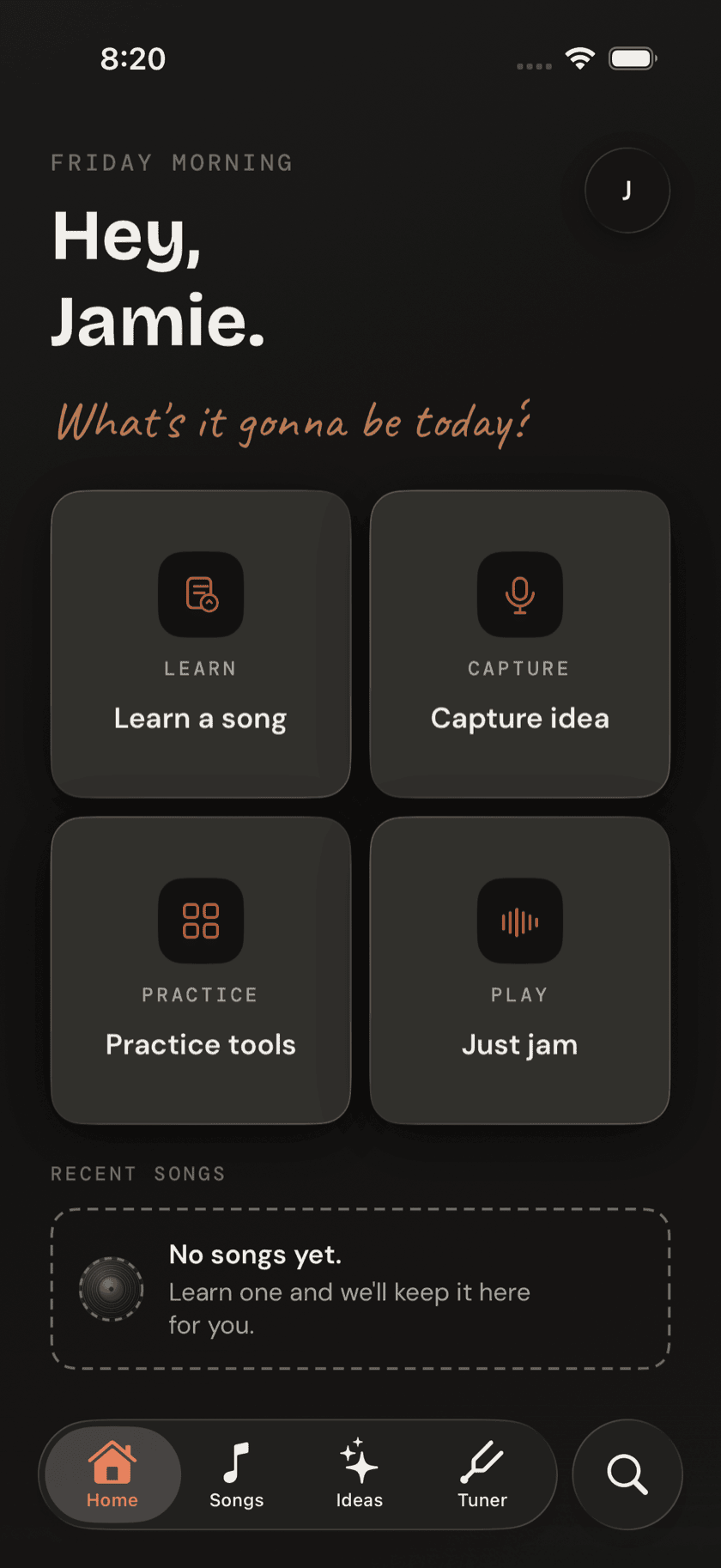
Start Here
Getting Started
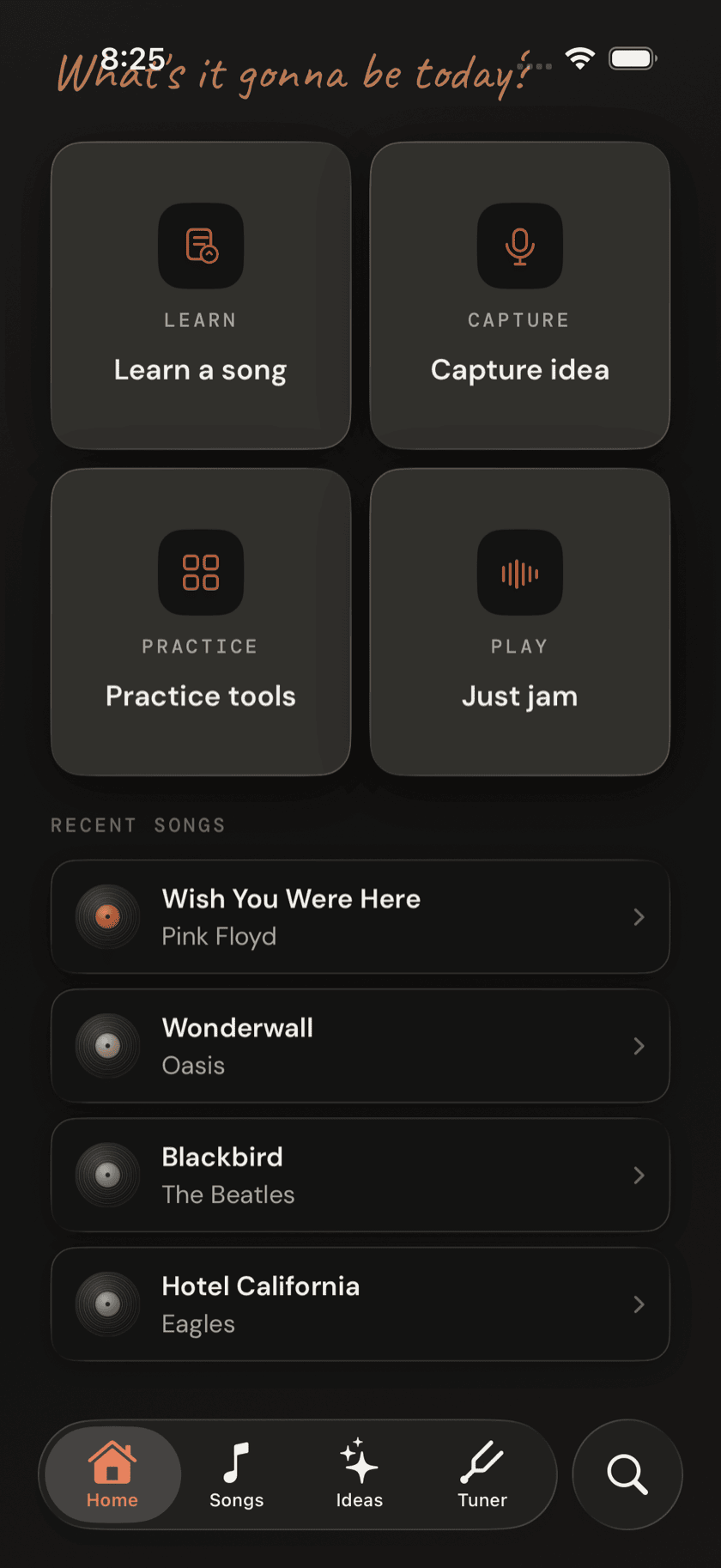
The four-tab layout, the first-run walkthrough, and a tour of Home.
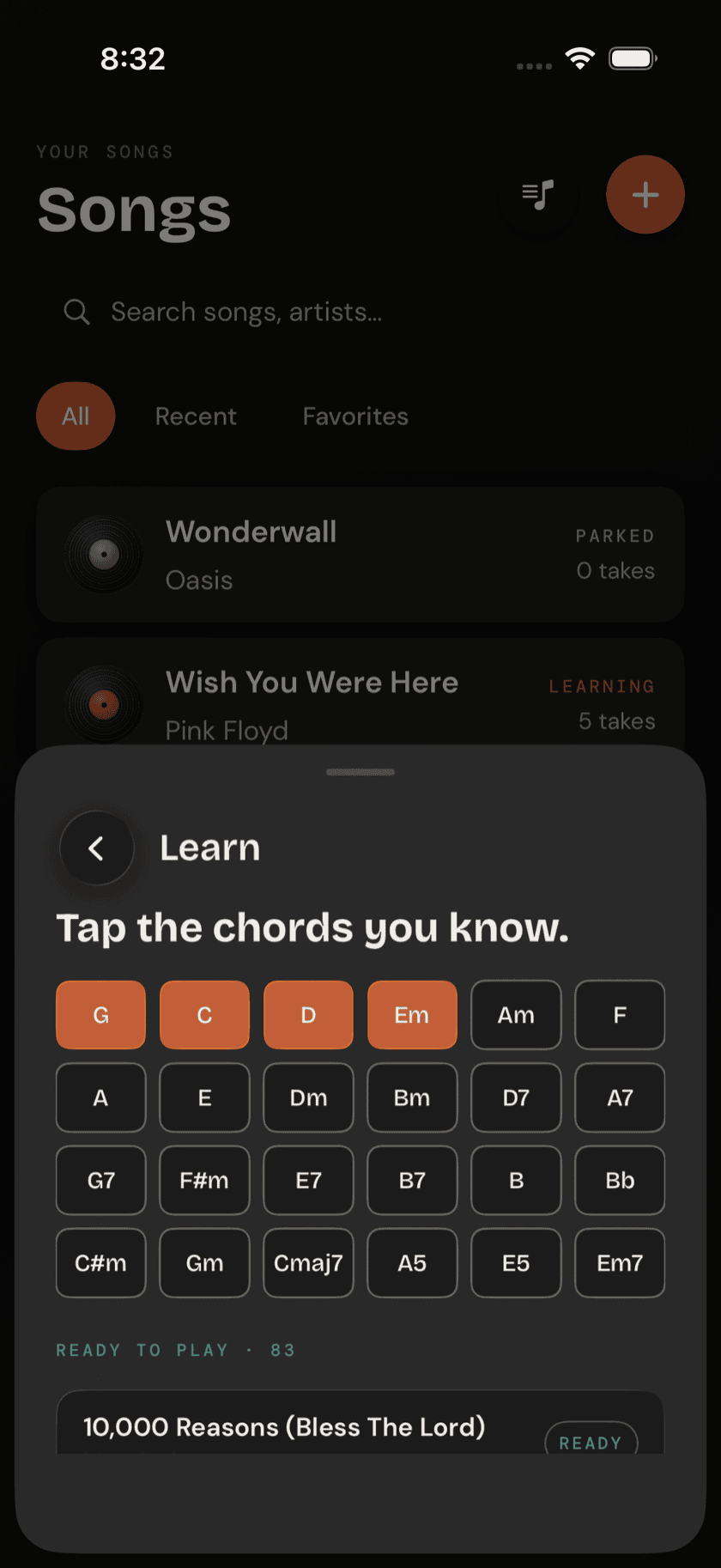
Start Here
Your First Two Weeks
Which tools, in what order — two chords, one strum, and your first song.
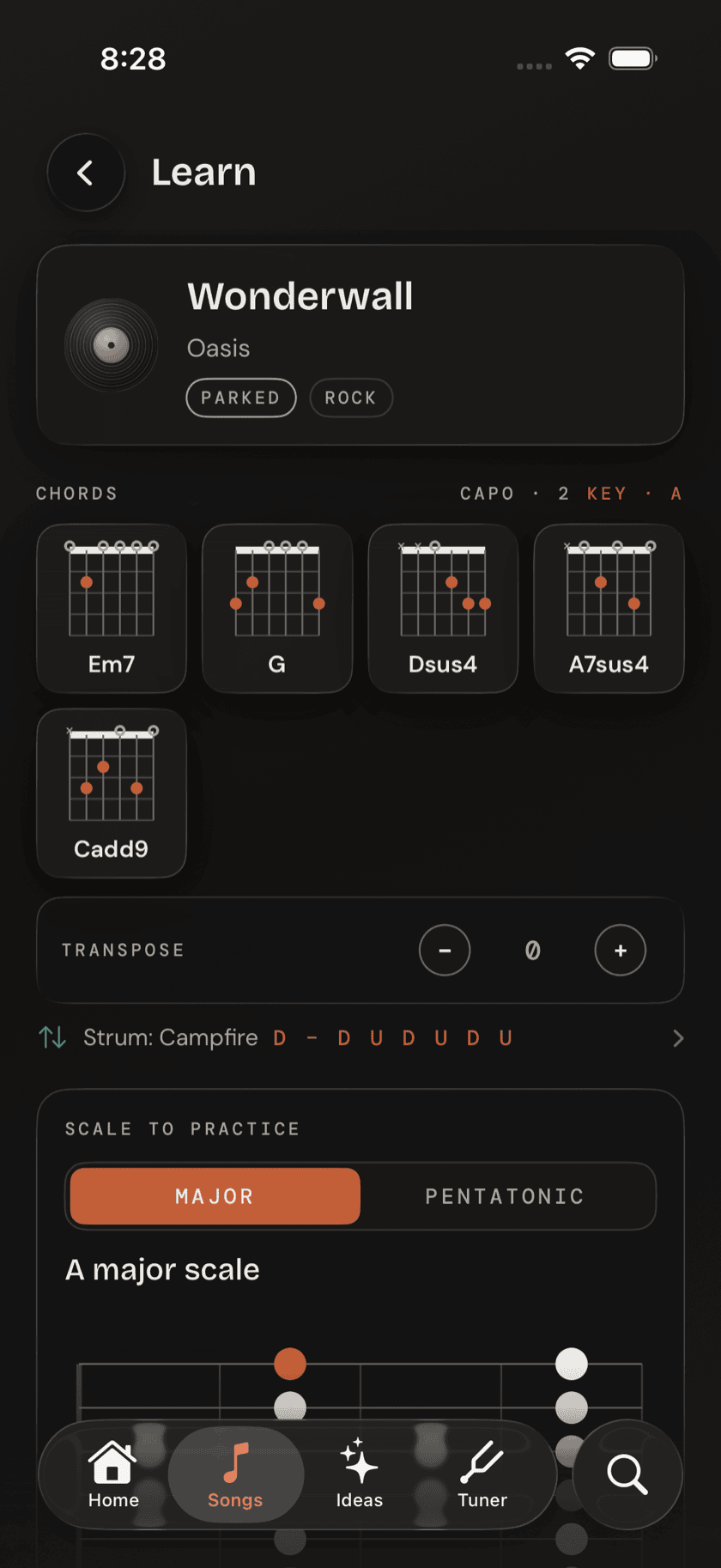
Library
Songs
Adding songs, chord sheets, practicing, takes, and setlists.
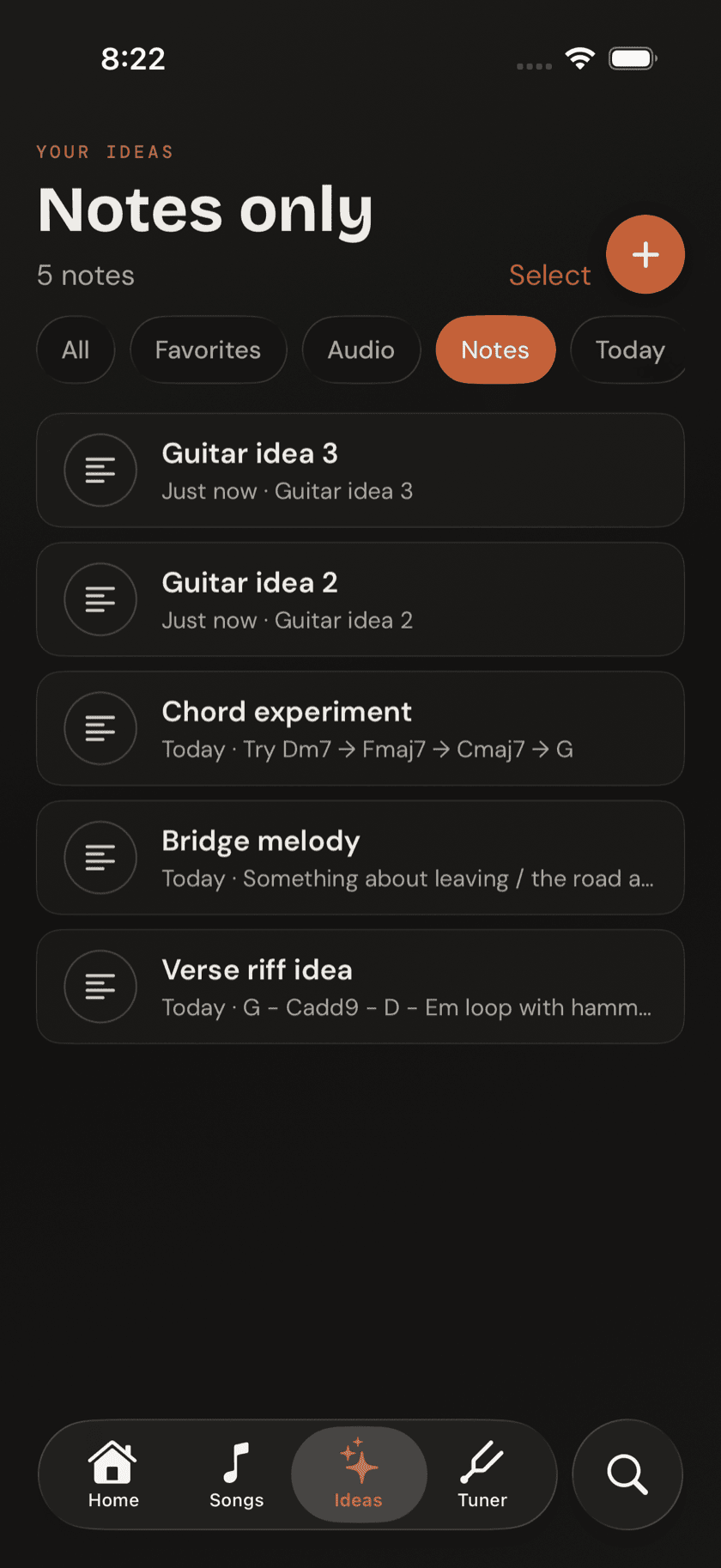
Capture
Ideas
A judgment-free place for riffs and half-formed thoughts.
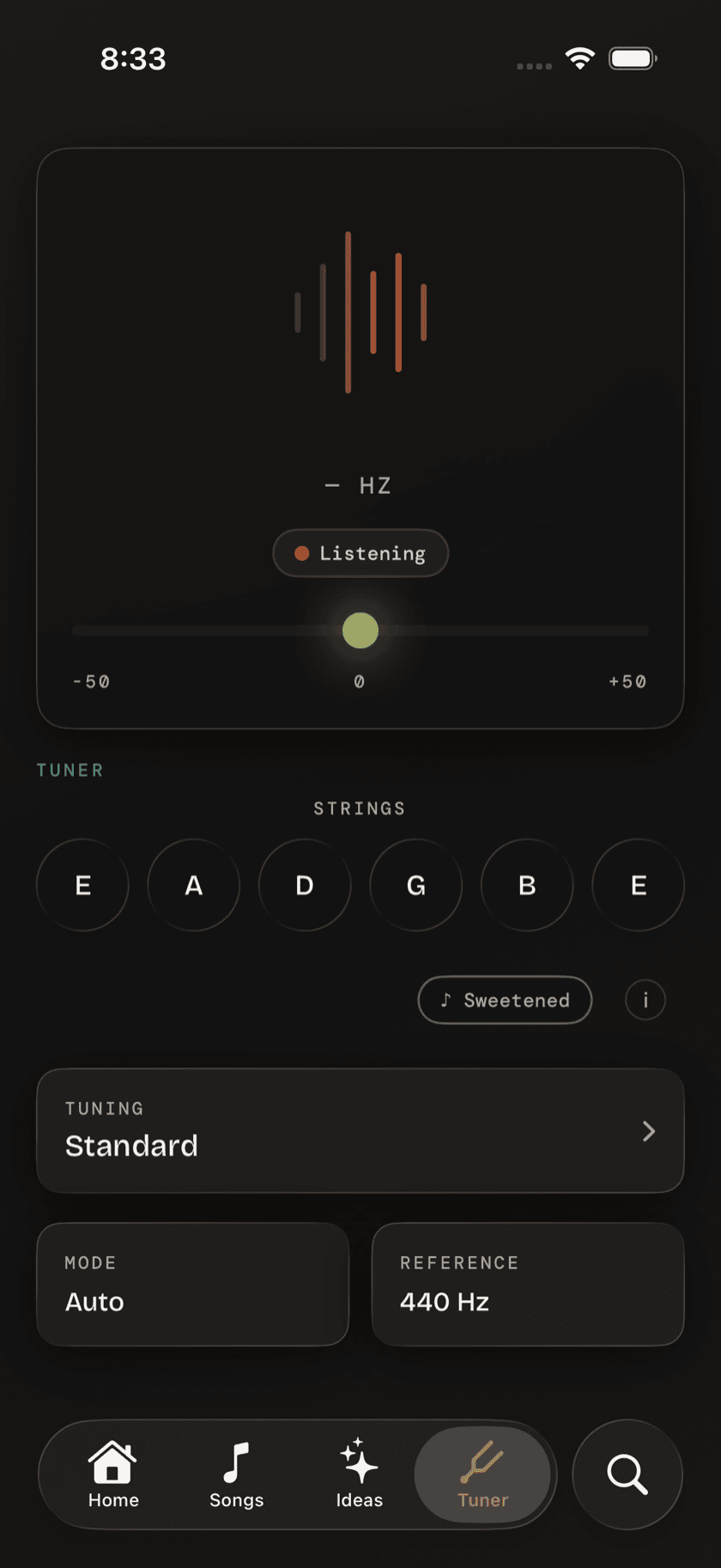
Tuner
Tuner
Alternate tunings, custom tunings, sweetened tuning, reference pitch.
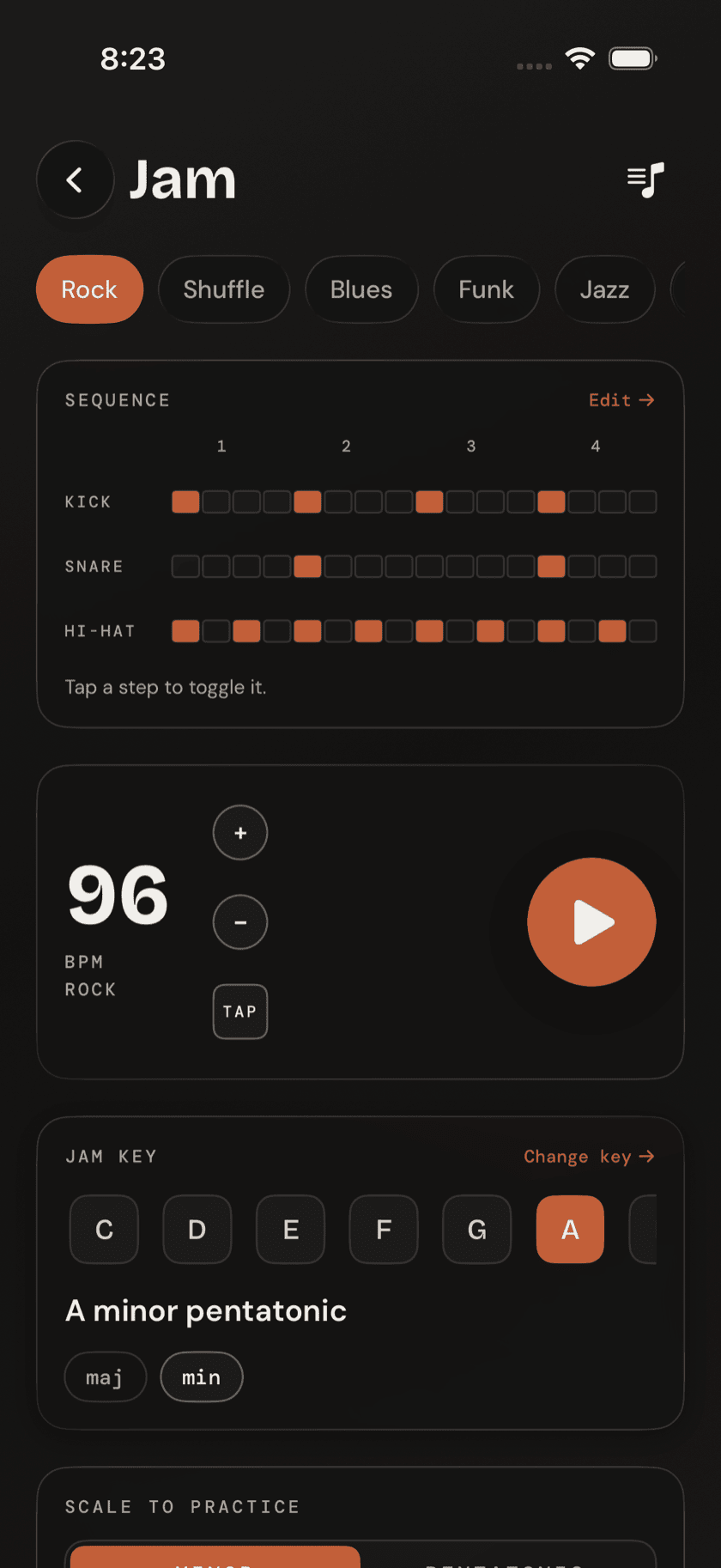
Play
Jam
A full band — drums, bass, keys — starting the instant you press play.
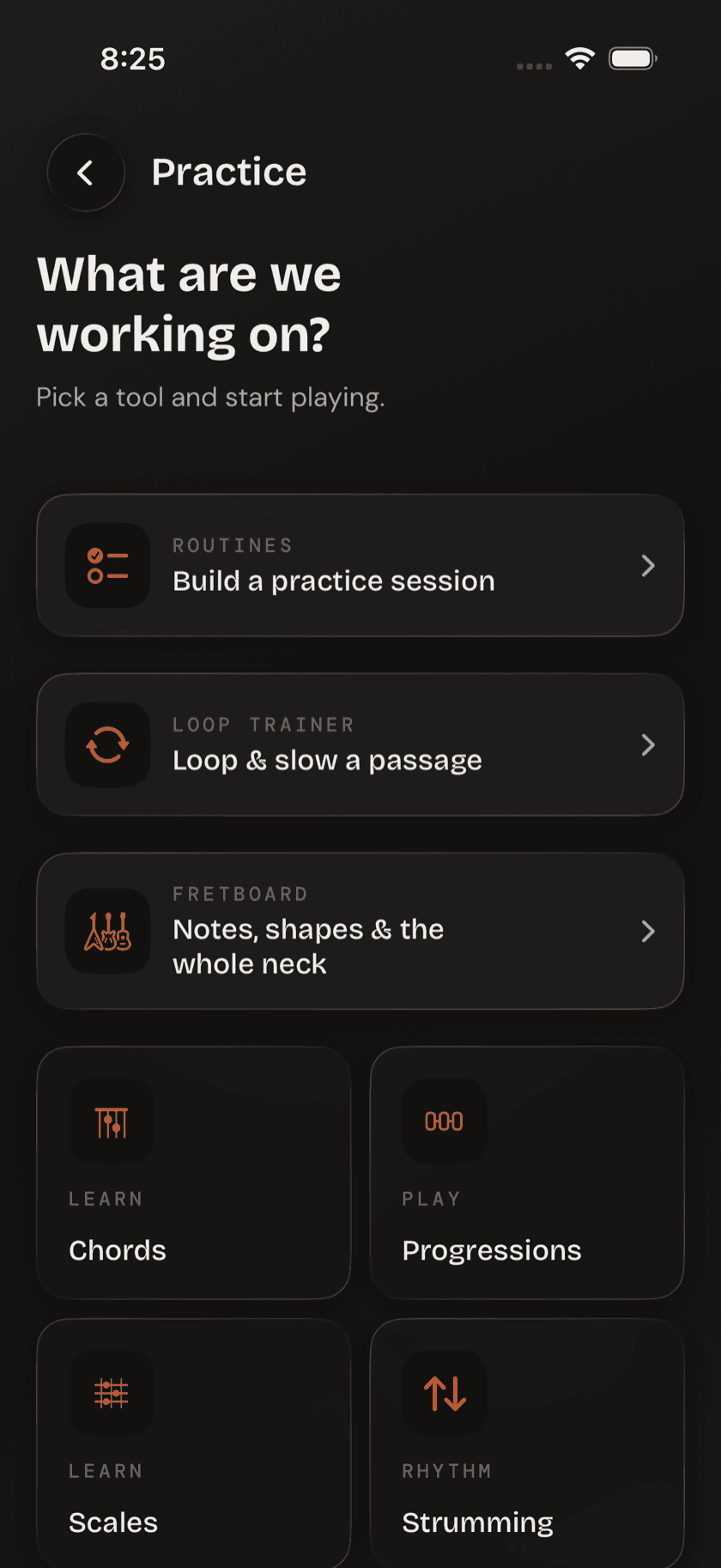
Practice
Practice Hub
A map to every structured practice tool in the app.
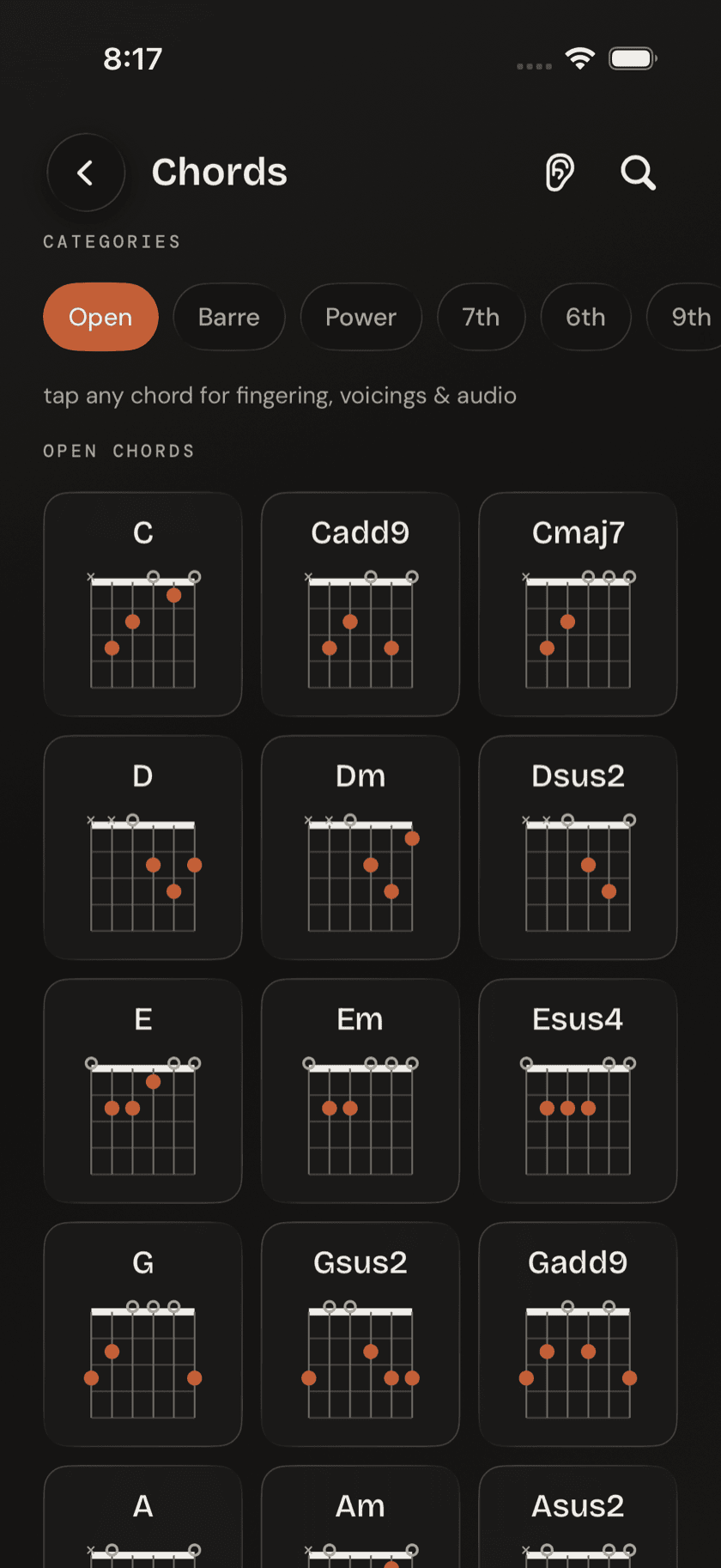
Reference
Chords & Scales
The built-in theory reference — plus two coaches that listen back.
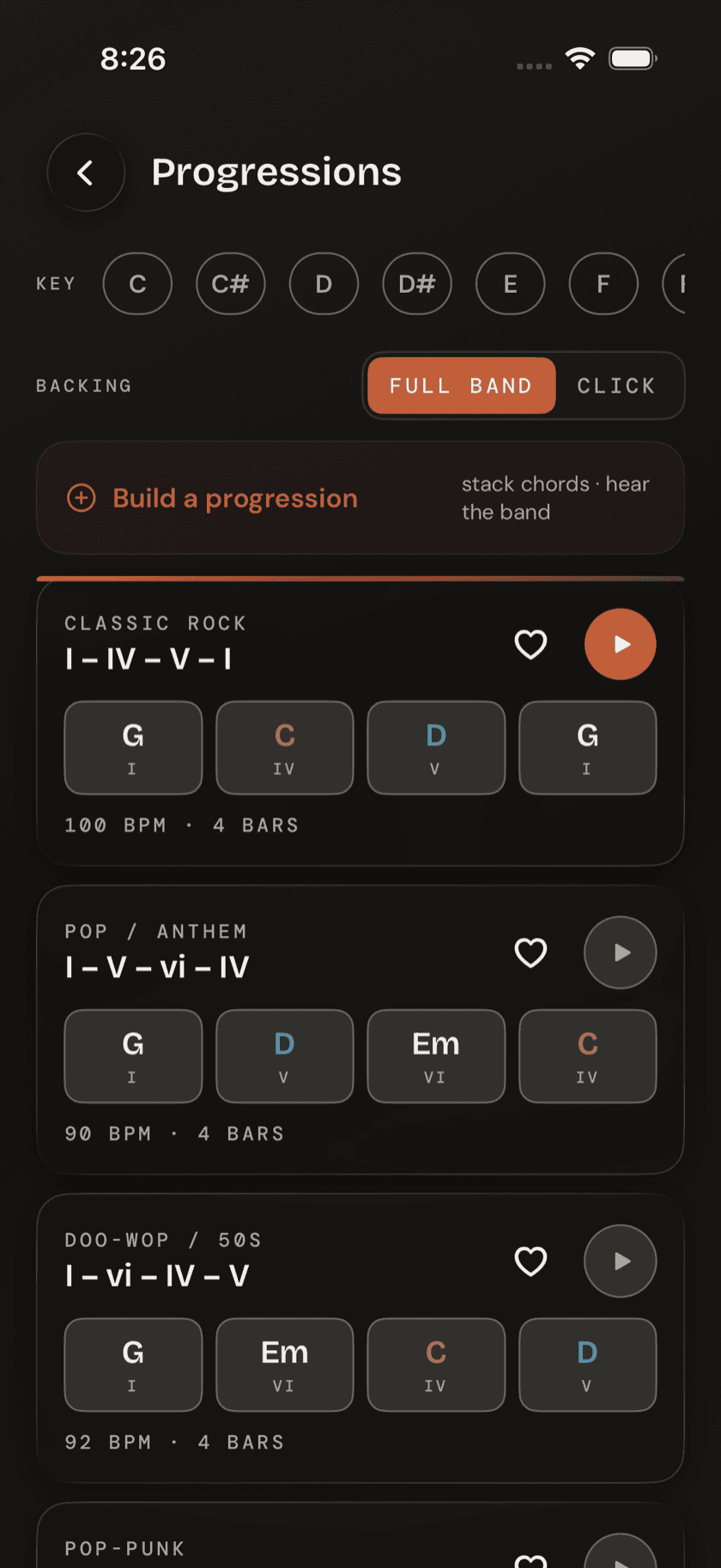
Practice
Progressions
Common chord changes that play with a full live band.
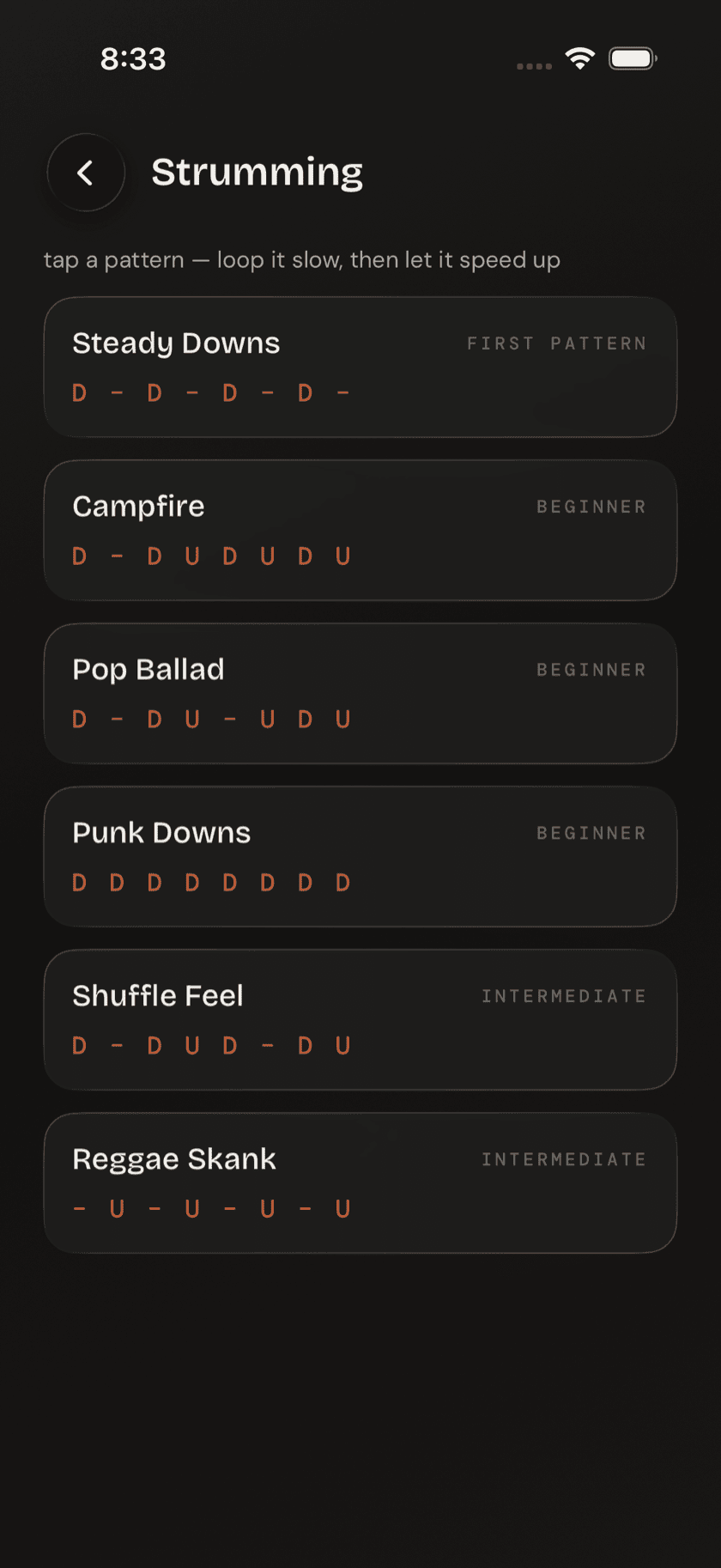
Practice
Strumming & Picking
Named patterns, looped over a common open chord at your tempo.
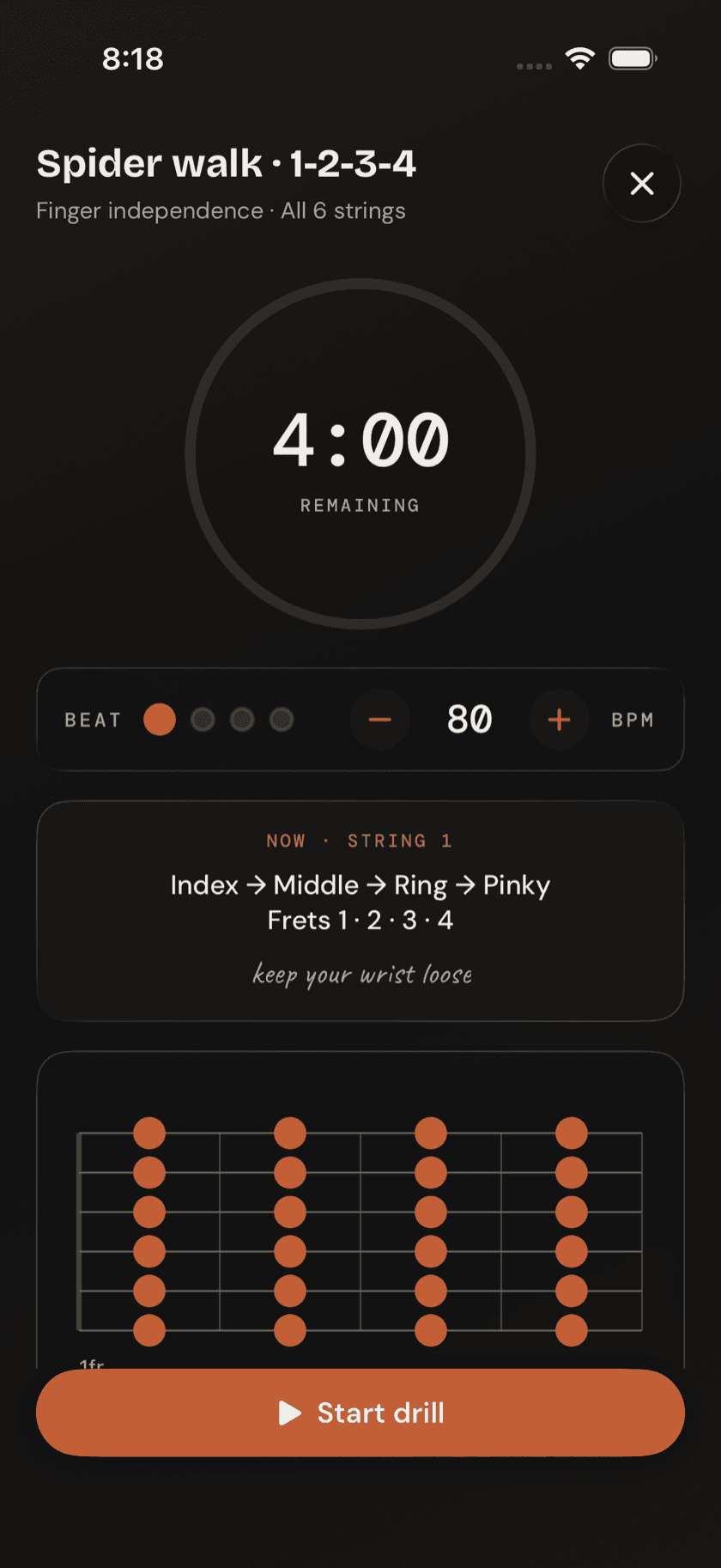
Practice
Drills & Ear Training
Short warm-ups and listening quizzes — no scores, no streaks.
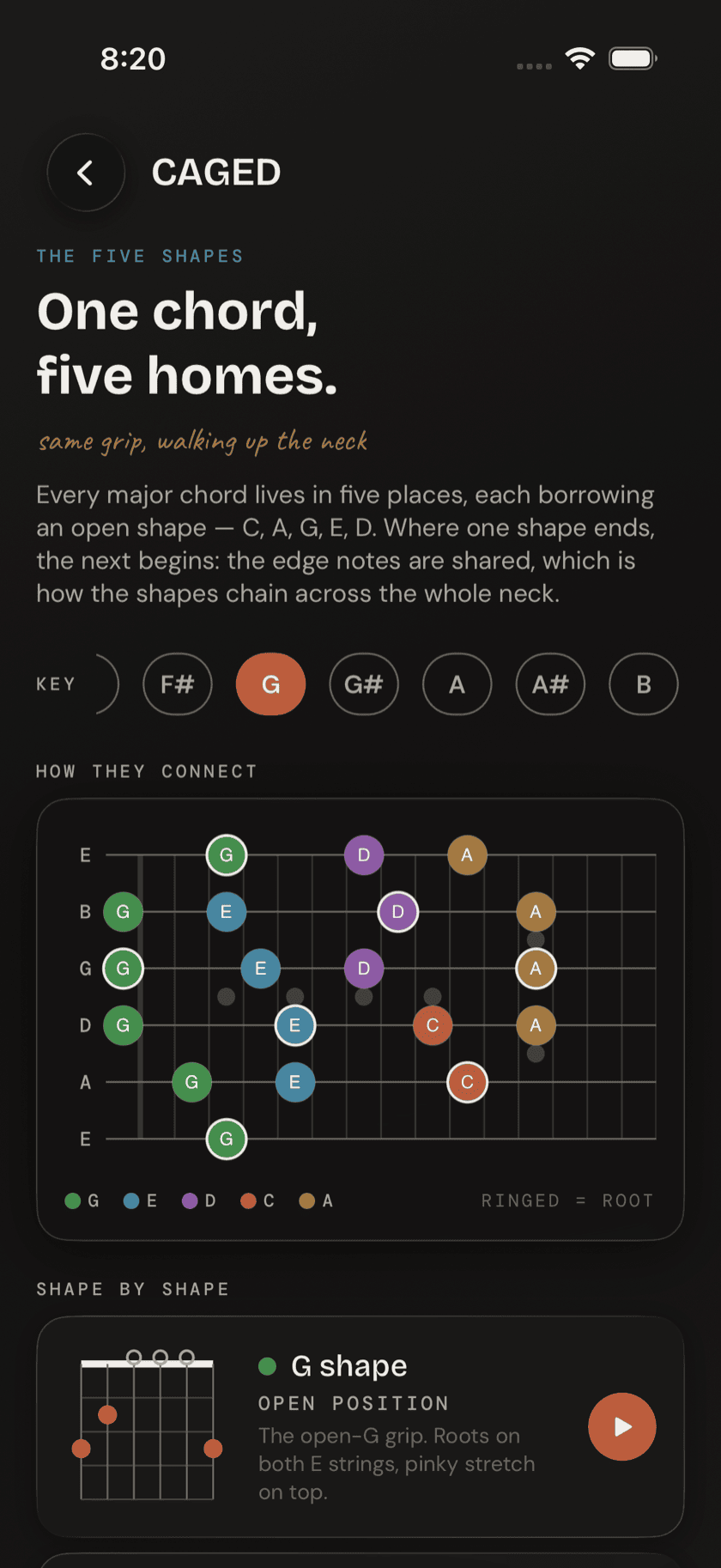
Reference
Fretboard Tools
Three ways to learn where every note lives on the neck.
Practice
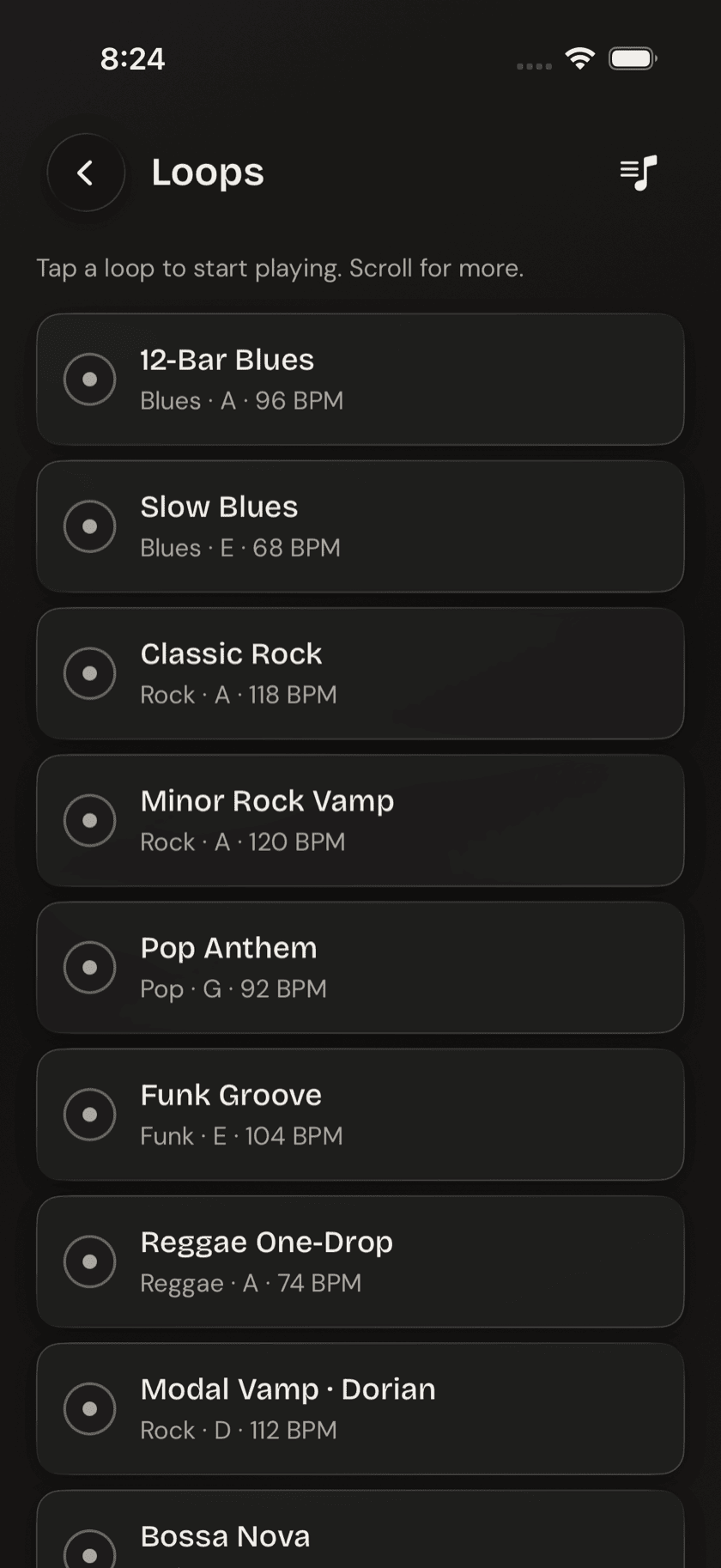
Loops
A backing-track library, plus a tool for slowing down one hard bit.
Practice
Metronome
Tempo, time signature, subdivision, click sound — all of it.
Practice
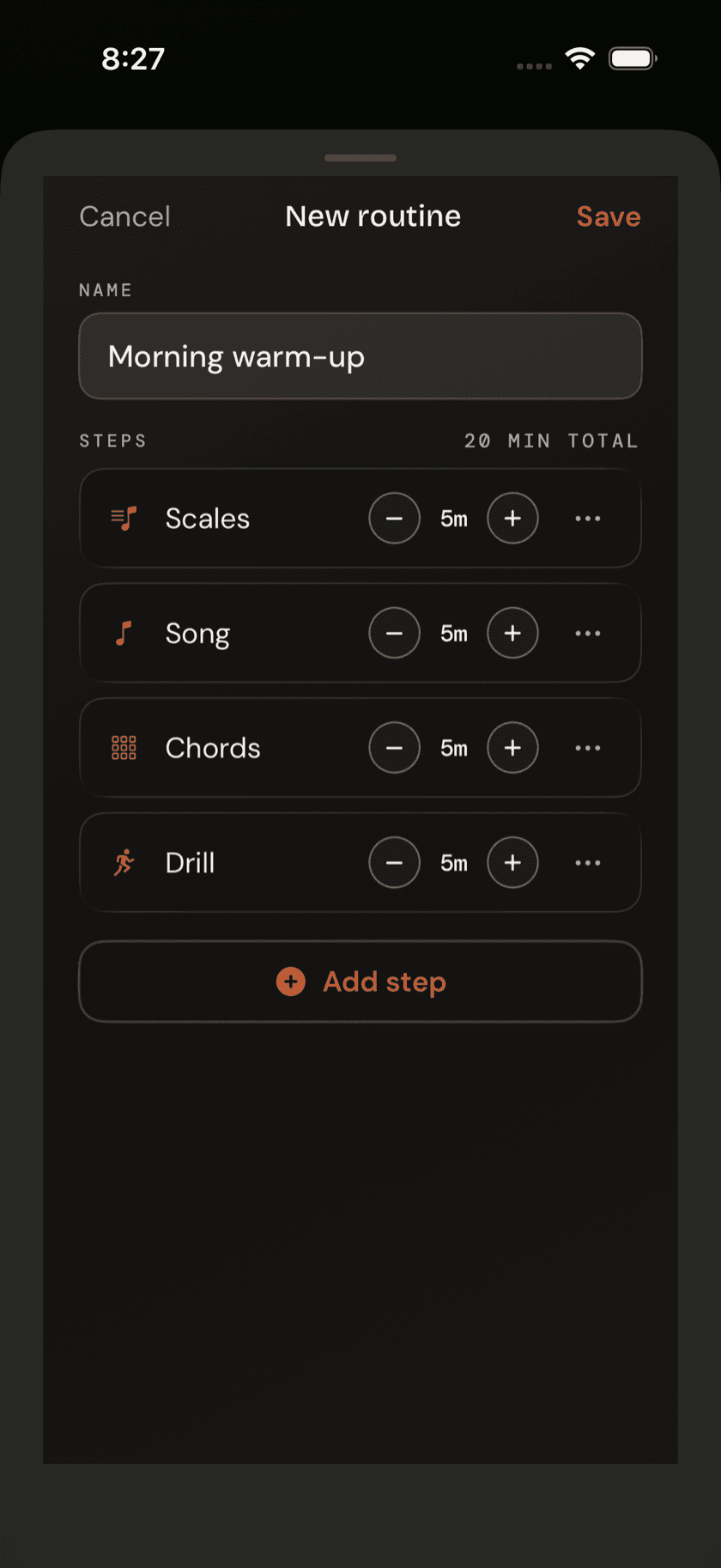
Routines & Log
Stack tools into a session, then see a streak-free log of what you did.
Settings
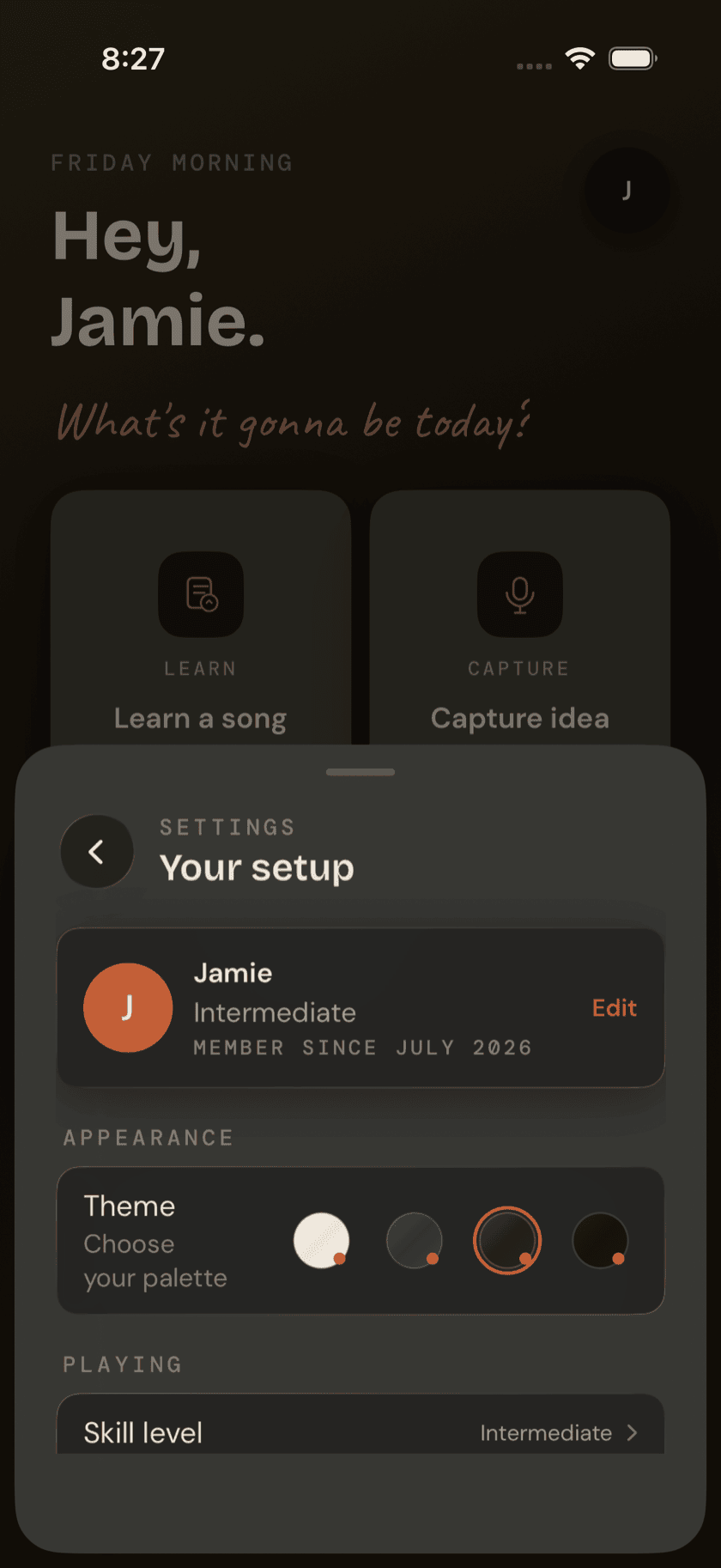
Settings
Appearance, permissions, recording, and everything else.
Devices
Guitar Buddha Everywhere
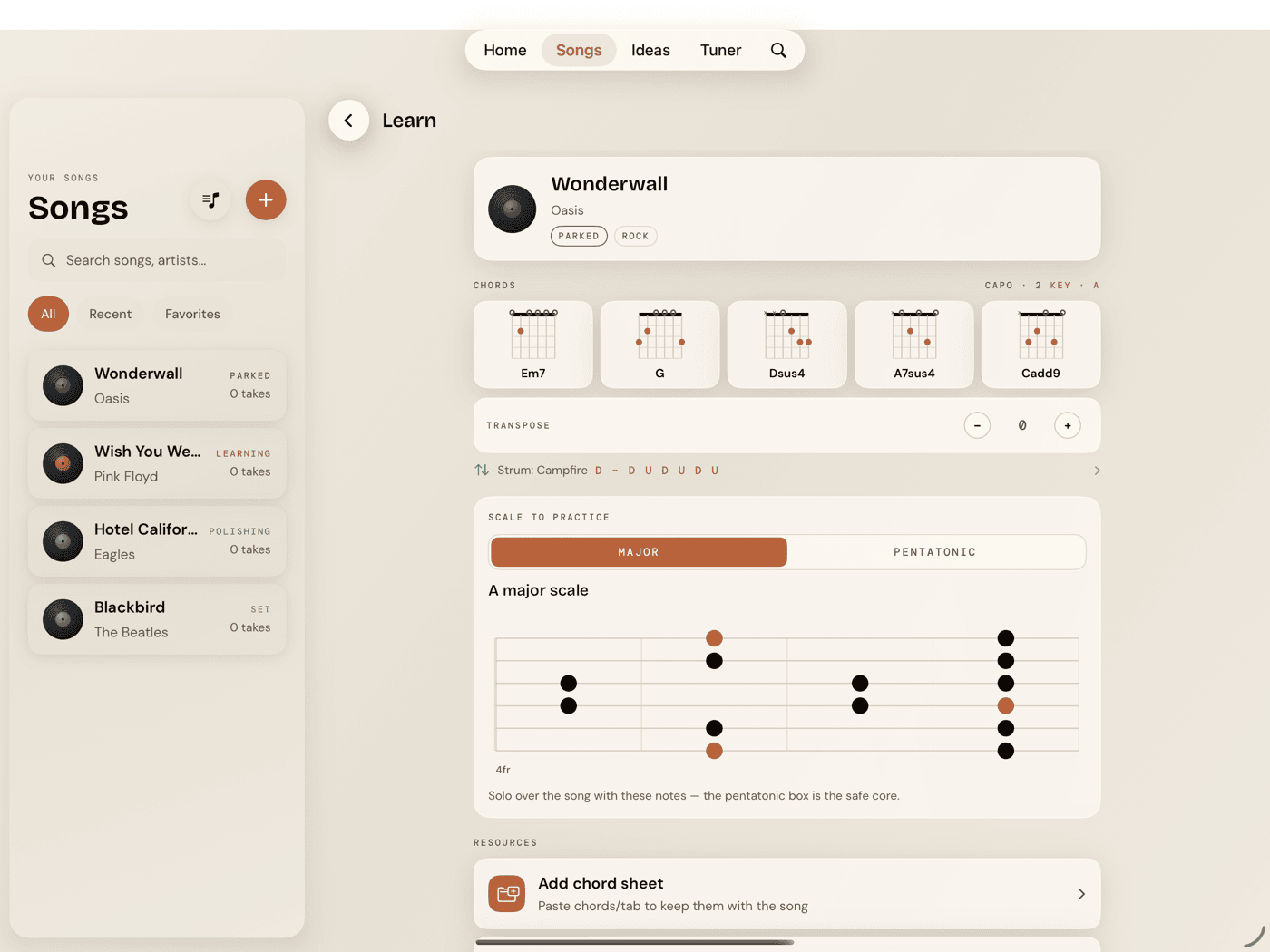
How the app adapts on iPad, Apple Watch, and Mac.