Routines & Log
Routines let you stack a warm-up, a scale, a song or two, and a jam into one guided practice session — plan it once, then let a running timer and a checklist carry you through it.
Most practice tools in Guitar Buddha do one thing well: drill chords, run a scale, loop a section, jam over a track. Routines is where you string several of those together into a single session, in the order you actually want to play them, without stopping to think about what's next each time. Open it from the featured Routines card in the Practice Hub.
Building a routine
A routine is a name and an ordered list of steps. Each step points at something specific — one of the practice tools (Chords, Scales, Progressions, Drills, Loops, Metronome), a song from your library, a Jam session, or a free-form custom item if what you want isn't really any of those. Give each step a suggested duration and reorder them however you like — warm up, drill something you're weak on, run the song you're learning, then jam it out, or whatever order actually works for you.
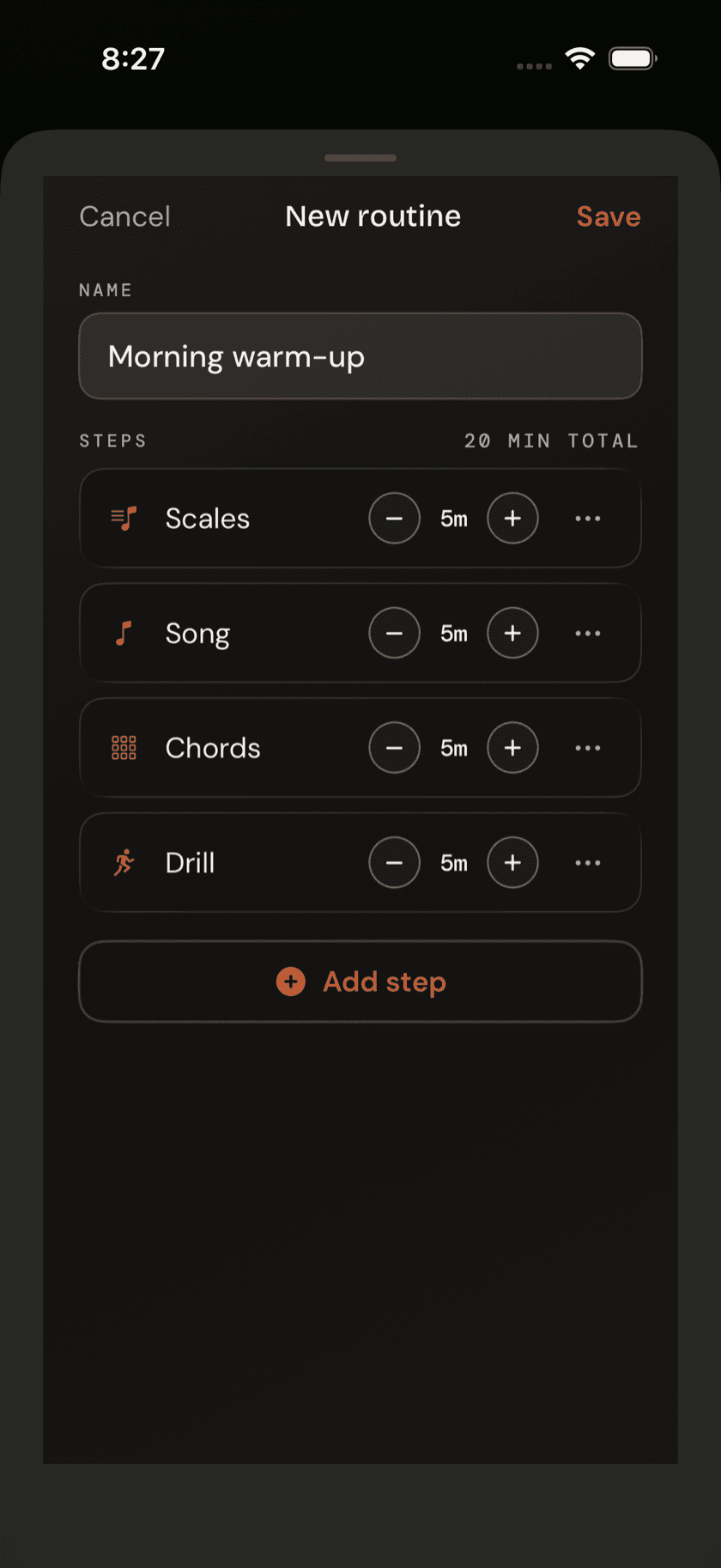
Nothing about a routine is locked in once you've built it. Add a step, drop one, change a duration, rename the whole thing — it's a plan, not a contract.
Running a routine
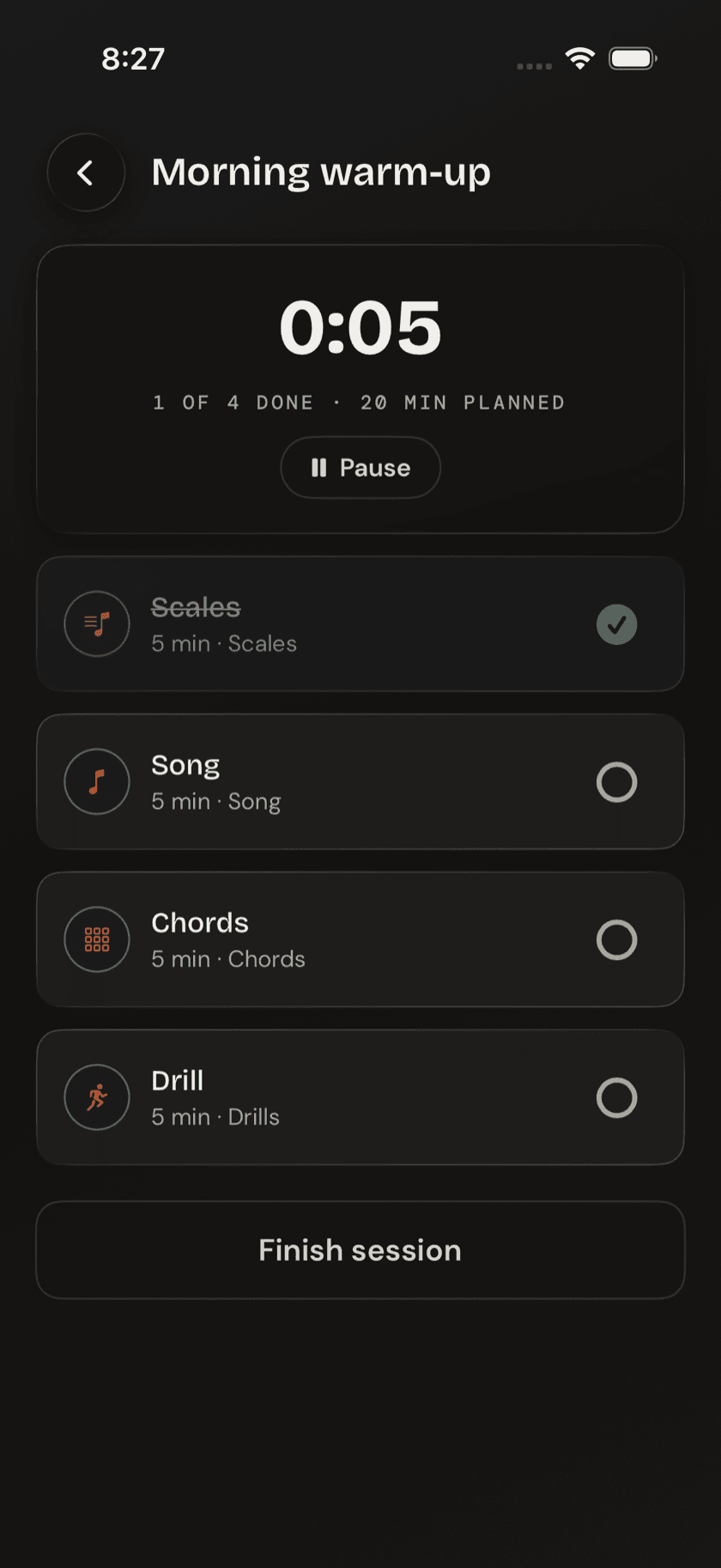
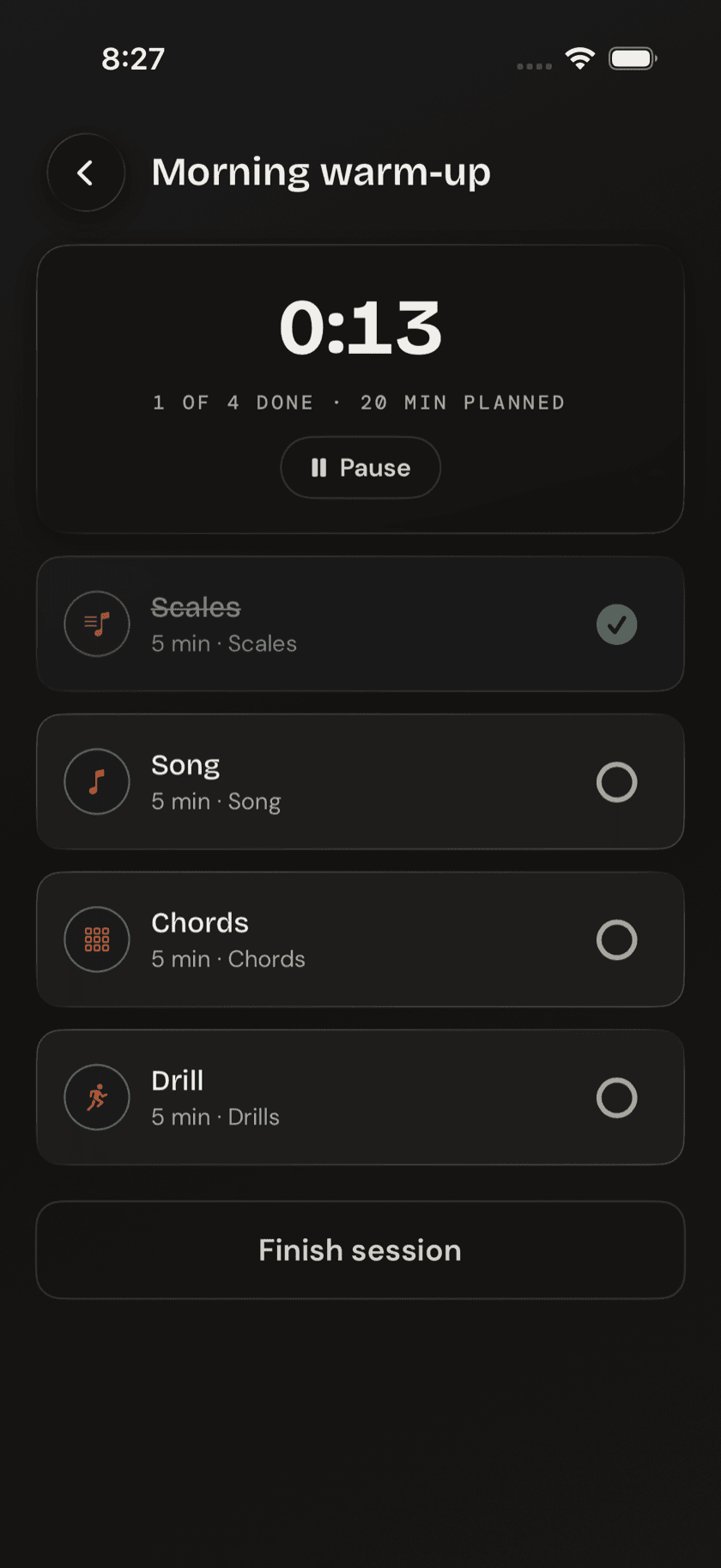
Start a routine and you get a checklist with a running session timer at the top, counting the whole session, not just the current step. Tap a step and it opens the actual tool — the chord drill, the song, the loop, whatever you pointed it at — and the timer keeps counting while you're in there. Finish, back out, check the step off, move to the next one.
the timer doesn't pause when you jump into a step. That's deliberate — a routine is tracking how long the session took, not grading how close you came to each step's suggested duration.
There's no pressure to hit every step or finish in one sitting. Pause whenever you need to and pick the routine back up later — nothing resets, and nothing's judging how long that took.
Practice log
Every finished session lands in the practice log, grouped by day. Each entry shows the routine name, the time of day you ran it, how many steps you completed, and how many minutes you spent. It's a plain record of what you did — no streaks, no goals, no score to protect.
The log leaves the app, too. The share icon in its header writes a CSV — one row per session, carrying the date, the routine, the minutes, and the steps — ready to open in Numbers, Excel, or Google Sheets if you ever want to chart a year of your own practice. Like the backup over in Settings, it's written on your device and goes nowhere until you send it somewhere.