Practice Hub
The screen where every structured practice tool lives — this page is a map, not a manual, so you know where to look before the eleven tool pages that follow it.
Practice Hub is separate from working on a specific song. It's where you go to work on your playing directly — technique, theory, timing, ear — without a song page around it. Tap Practice tools from Home and you land here full-screen, not in a tab, because it's a place you drop into with a tool already in mind and leave once you've used it.
Getting to the hub
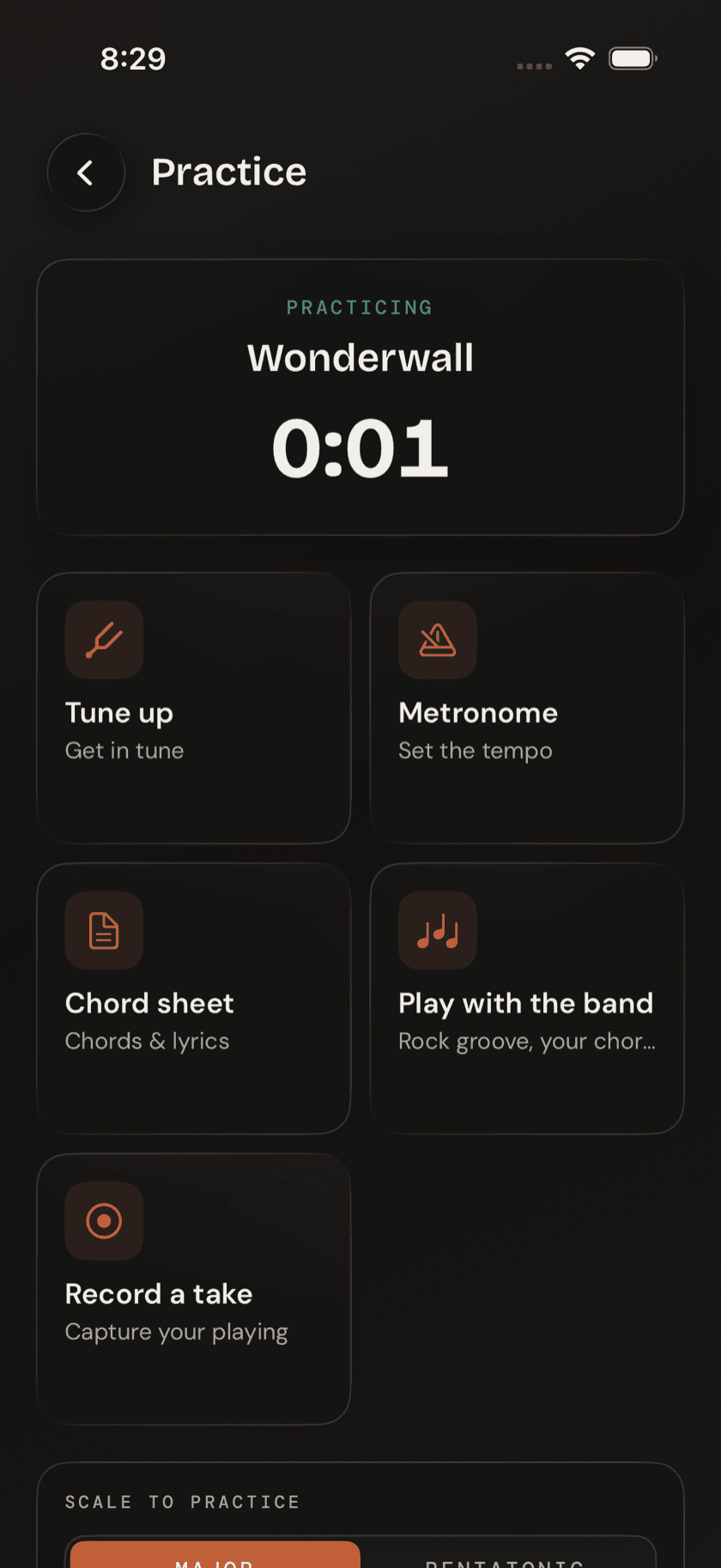
Practice Hub isn't part of the tab bar. It opens from the Practice tools card on Home, the same way Jam does, and takes over the full screen until you back out of it.
What's on the screen
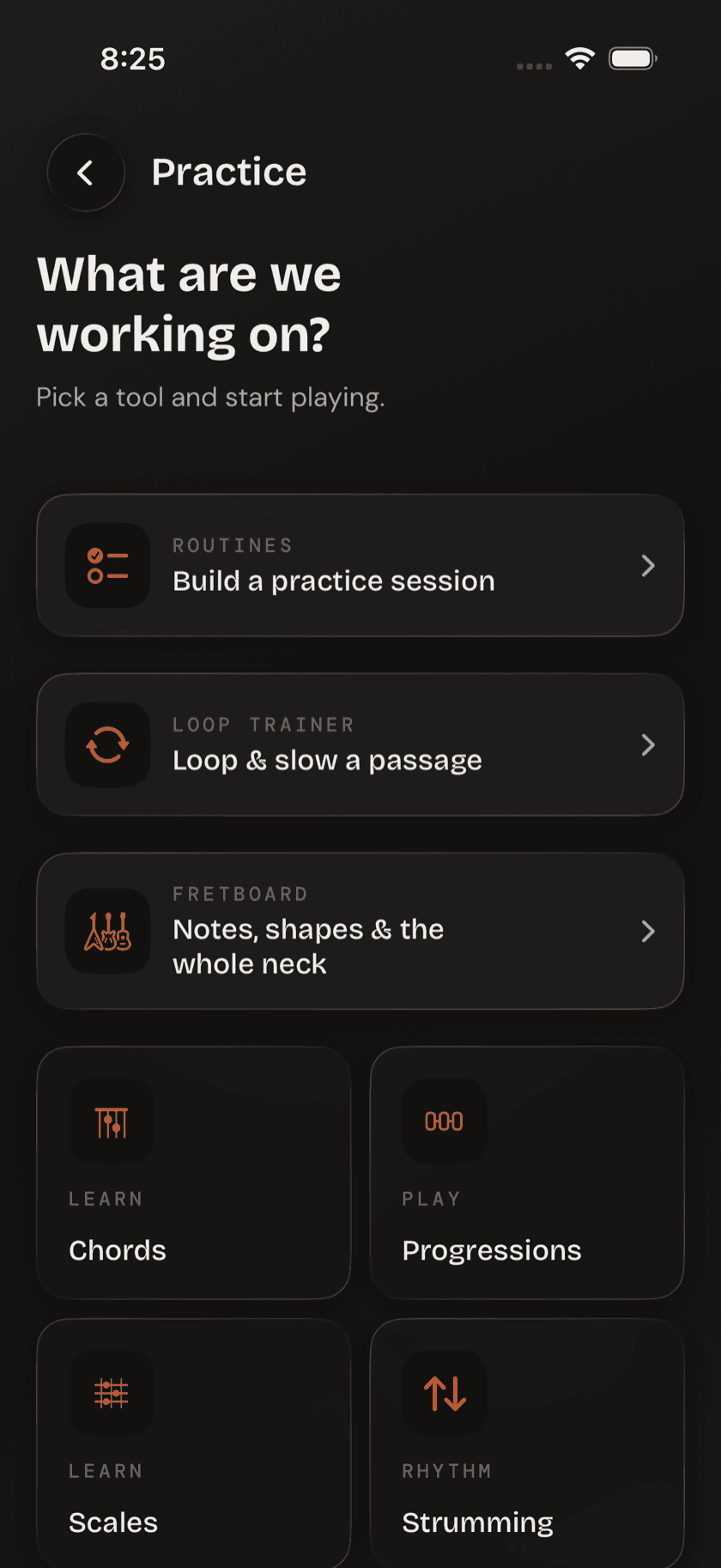
Two tiers. Up top, three larger featured cards — Routines, Loop Trainer, and Fretboard. Below them, a grid of eight smaller tool tiles — Chords, Progressions, Scales, Strumming, Picking, Drills, Loops, and Metronome. Between the two, that's every structured practice tool in the app.
Where each one goes
Each card and tile has its own page later in this guide:
| Tap | Goes to |
|---|---|
| Chords, Scales | Chords & Scales |
| Progressions | Progressions |
| Strumming, Picking | Strumming & Picking |
| Drills | Drills & Ear Training |
| Fretboard (card) | Fretboard Tools |
| Loops, Loop Trainer (card) | Loops |
| Metronome | Metronome |
| Routines (card) | Routines & Log |
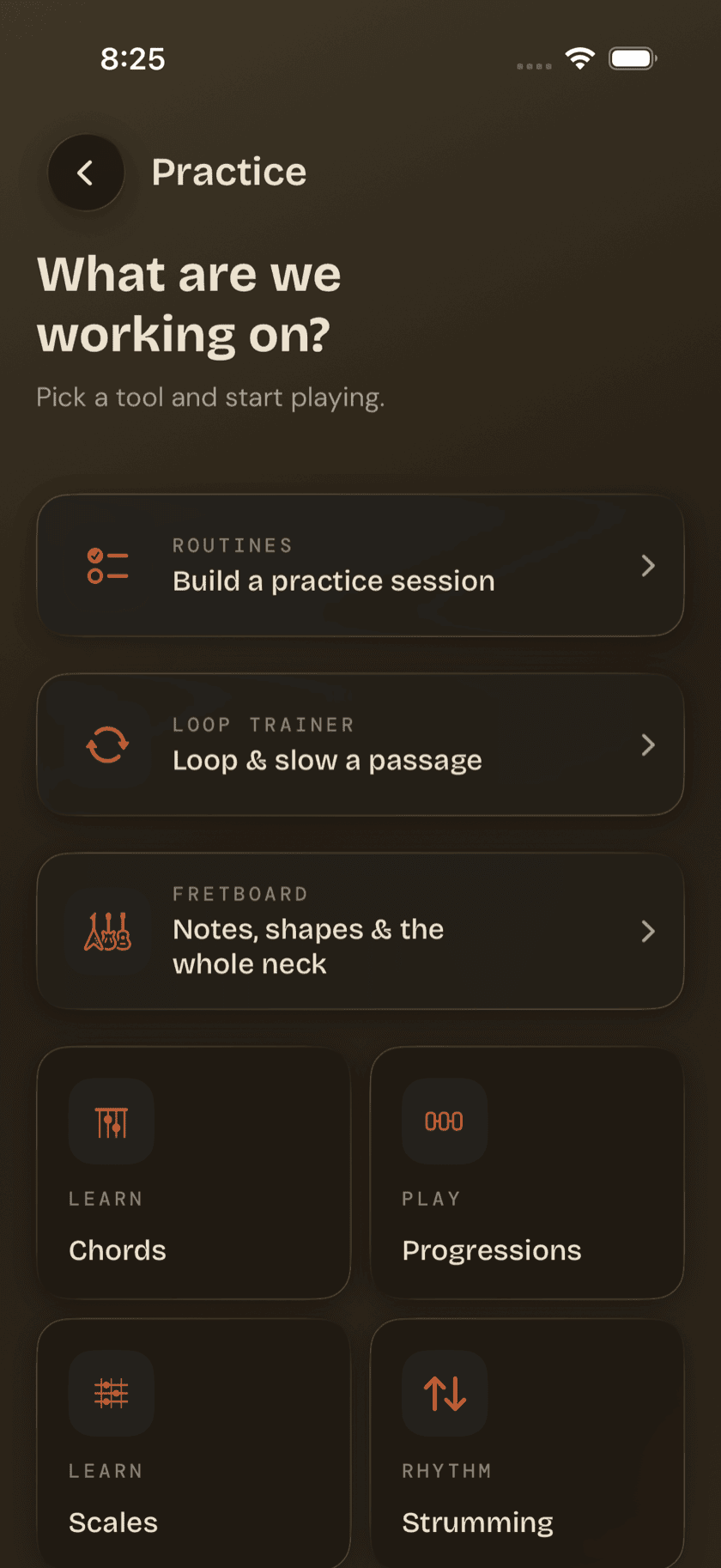
The Loops tile and the Loop Trainer card aren't two different tools. Tap either one and you land on the same page — whichever you happen to see first.