Strumming & Picking
A pattern trainer for drilling one strum or fingerpicking pattern in isolation — loop it over any chord, hear it slow and in time, then let it speed up on its own.
Knowing the chord shapes doesn't automatically get a song sounding right — your strumming or picking hand does most of that work, and it's the part beginners practice least deliberately. The Strumming and Picking tools, reached from their own tiles in the Practice Hub, isolate that one skill: pick a named pattern, choose a chord to play it over, and loop it until your hand stops thinking about it.
Strum patterns
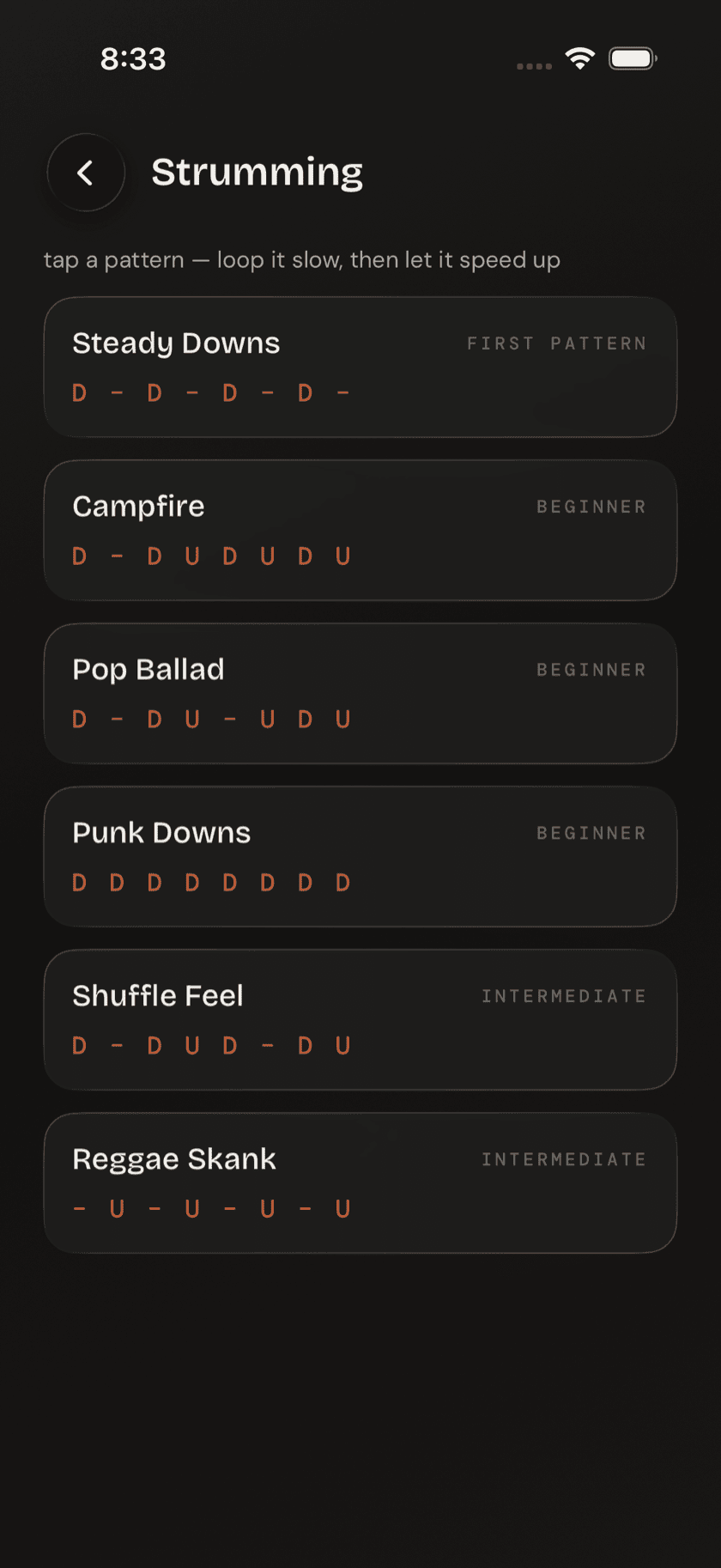
The strum library holds patterns you've probably heard before, even if you never learned their names: Steady Downs, Campfire, Pop Ballad, Punk Downs, Shuffle Feel, Reggae Skank. Each one shows as a down/up/rest notation strip across a single bar, so you're reading the rhythm instead of guessing at it from a video. The list runs easiest first — if you don't know where to start, start at the top.
Fingerpicking patterns
The picking library covers the same ground for fingerstyle: named rolls, each one showing exactly which string and which finger plucks on every beat. It's built for players moving from strumming into fingerpicking for the first time, where the usual instruction — pick the strings individually — isn't much use without knowing which finger goes where.
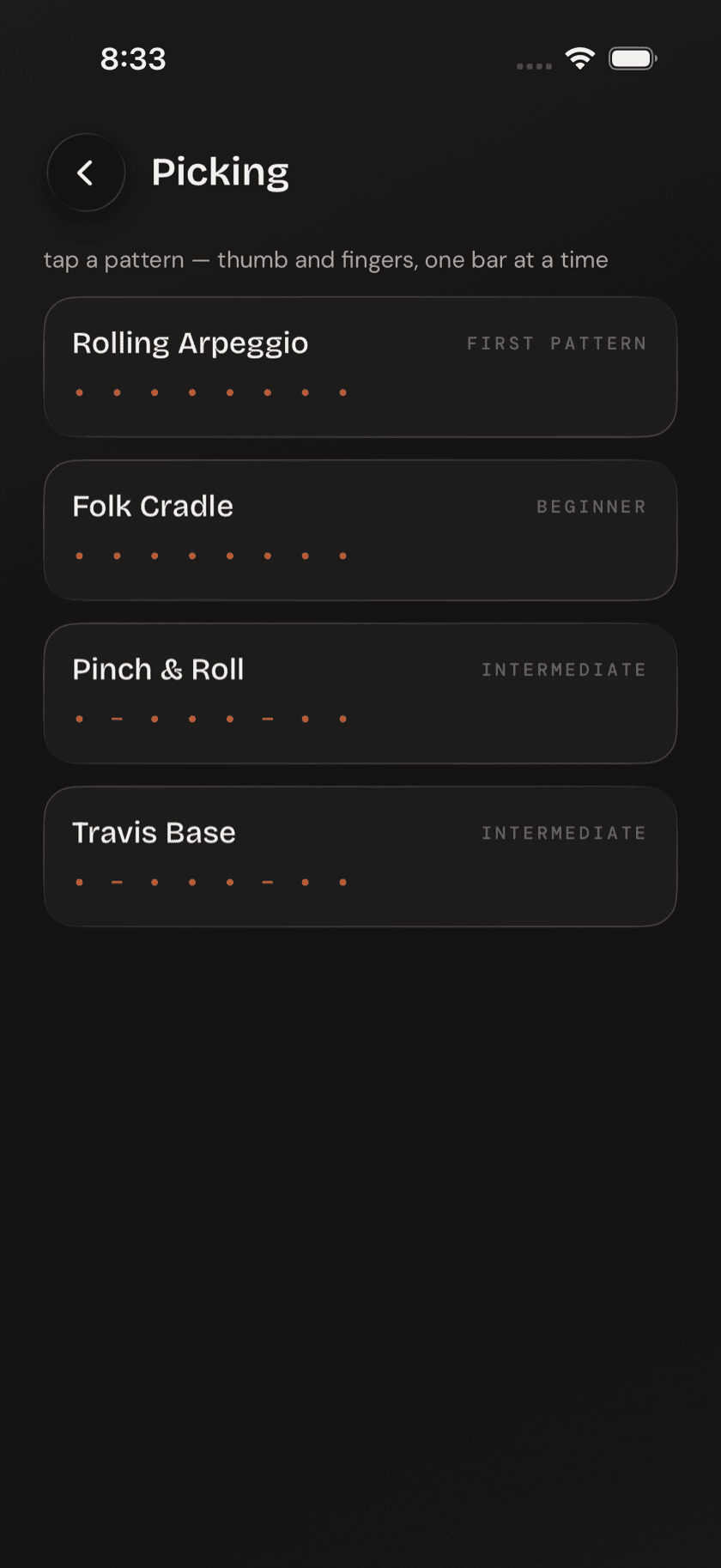
Playing a pattern
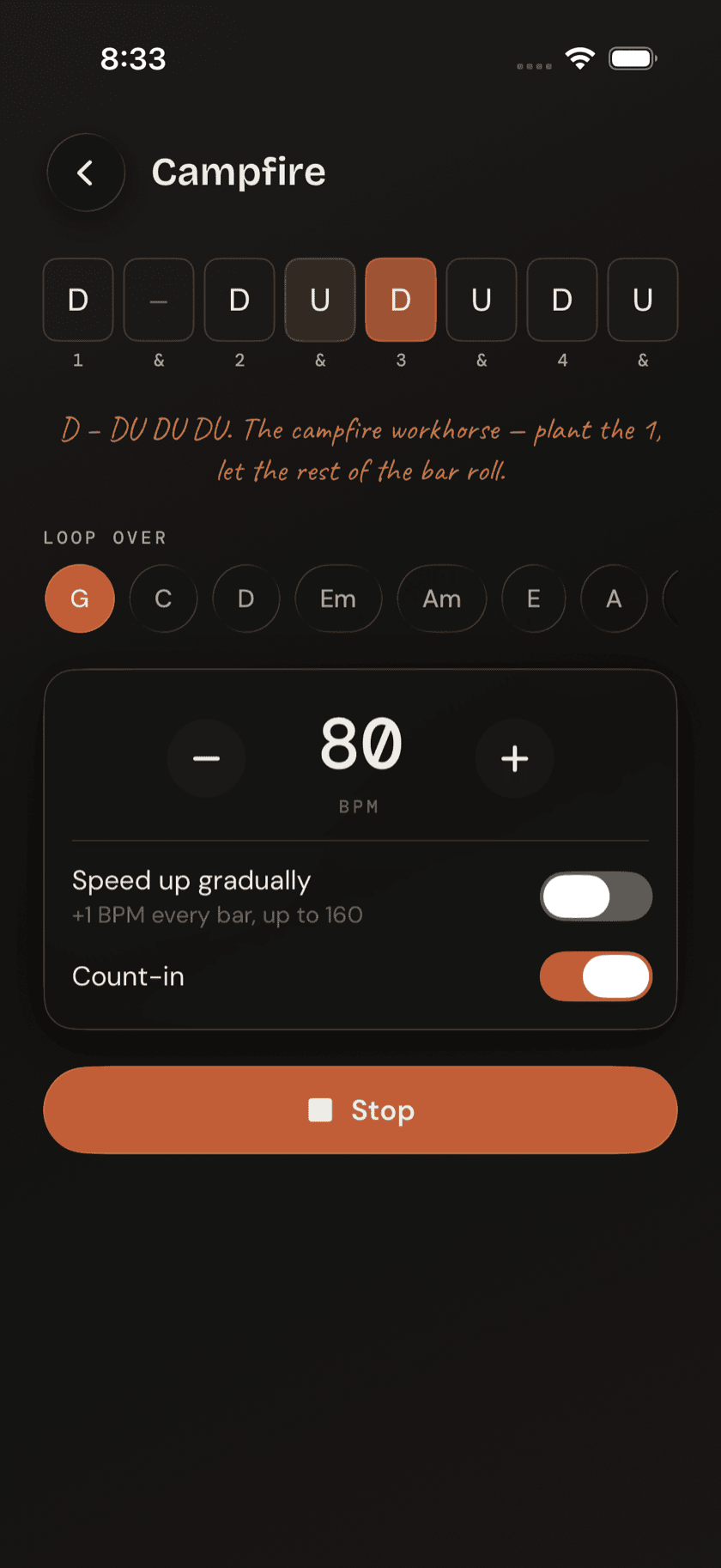
Tap a pattern and it opens in the player, looping that one bar over a chord you pick from eight common shapes. Open the trainer from a song page's suggested strum instead, and that song's first chord is preselected and moved to the front of the picker, so you start on the chord you'll actually play — you can still switch to any of the eight shapes, live, mid-loop.
Tempo is set with − / + buttons in 5 BPM steps, from 50 up to 160. Beside it sit a speed up gradually toggle (+1 BPM per bar, up to 160) and a count-in toggle, on by default, which gives you one bar to get your hand in position before the loop starts.
the ramp toggle doesn't just play the pattern faster — it speeds the tempo up gradually over the course of the loop. You learn the pattern slow and clean first, and let your hand catch up to speed on its own, instead of being forced to keep pace with a tempo it can't play yet.